Universal Orlando Resort guests now have a fun new way to recognize a Team Member who made their visit extra special — a "Fist Bump" feature built right into the resort's app.
How to Send a #UOFistBump
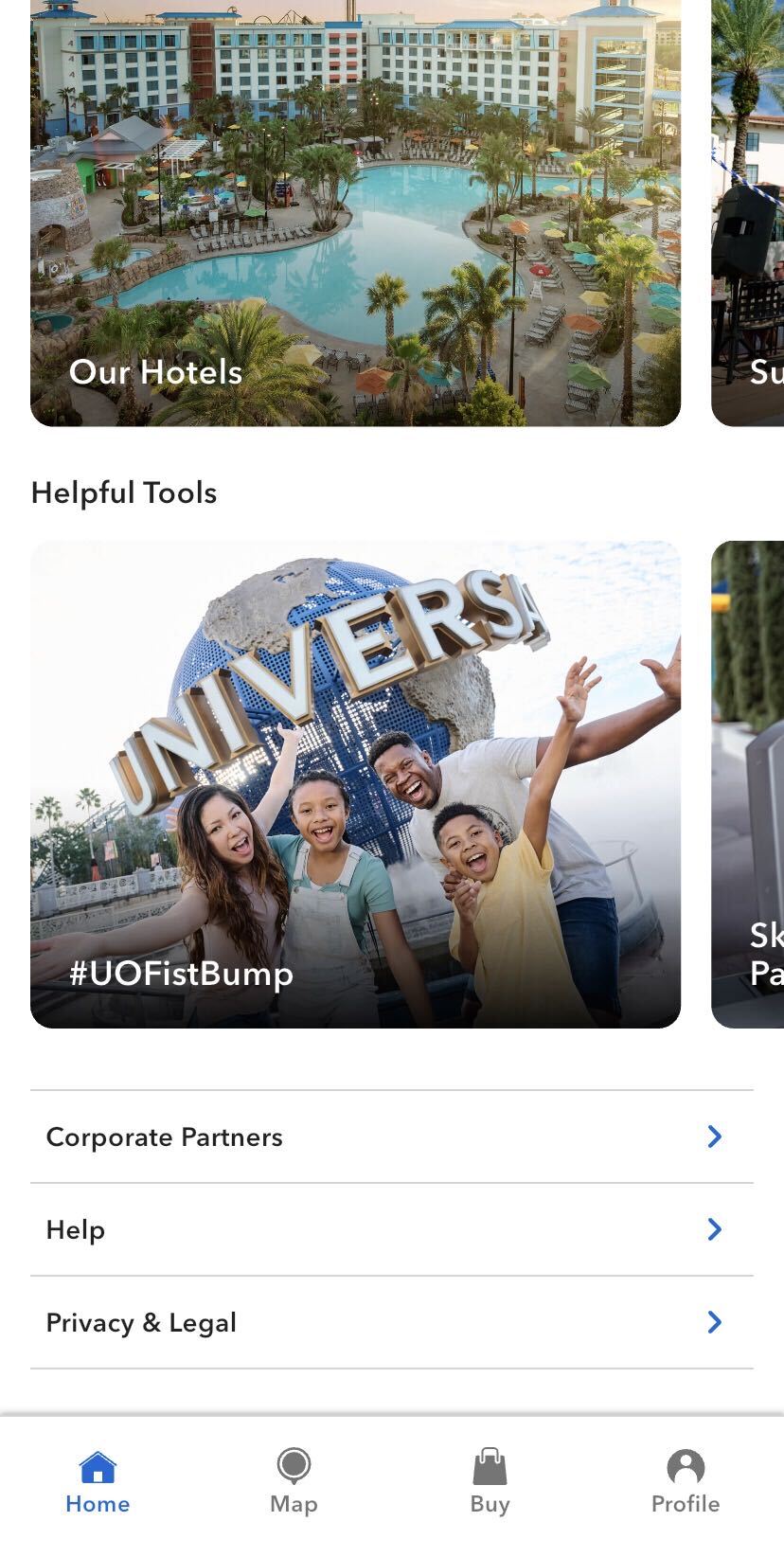
Finding the feature is simple. Open the Universal Orlando Resort app and scroll all the way to the bottom of the main page. Under the "Helpful Tools" section, you'll spot #UOFistBump — tap that to open the fist bump menu.
From there, select "#UOFistBump" from the dropdown "Topic" menu, fill in your information, write a message, and include the Team Member's name and location. When you're ready, just hit "Message Us" to send it off.
The feature is similar to Disney's own "Cast Compliment" option, which allows guests to recognize Cast Members in a comparable way.
Will you be using the #UOFistBump feature to give a deserving Team Member their moment in the spotlight? Let us know on social media!